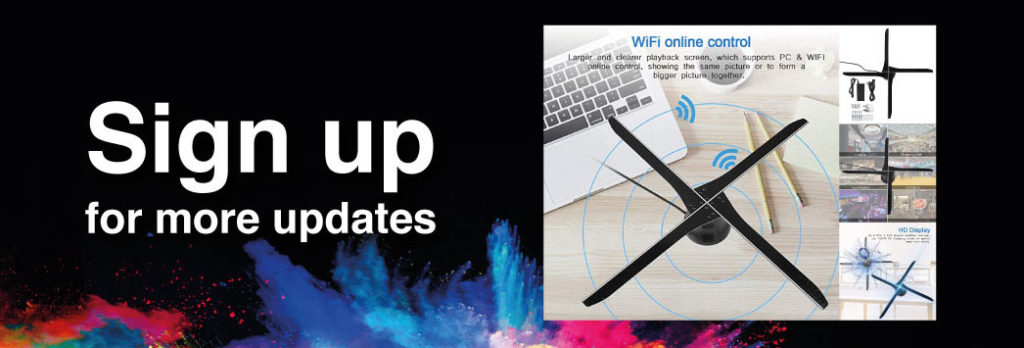
How to load content to Holographic 3D LED Visual Fan

Share this Story
Friday 2 January 2026
Some video formats cannot play directly. Our software includes an Encoder (which can be found in the SD card). After conversion, the video can play directly.
Here are the steps of how to use the encoder:
1 – Decompress any files in the SD card, should they need to.
2 – Add your video content into “media” folder (ensure you save the original video somewhere else before conversion).
Encoder supports mp4, avi, 3gp, mov, mpg, wmv, vob, flv, etc.

3 – Double click the “Convert.bat” file to start the conversion.

If the conversion is successful, the window will display the words ‘Convert Finished’ and ‘Converted video in Output file’ (conversion only takes about 10 seconds)
4 – After being converted, the video will be automatically added to the “Output” folder.
5 – Finally, copy the converted file to the main folder of the SD card and start the digital display (Holographic 3D Fan).